Guides
Outbound AI Calling: Automate Lead Follow-Up and Reminders

Most leads don't convert on the first touch — they convert on the follow-up. But following up by phone is exactly the work busy teams skip, so leads go cold and appointments turn into no-shows. Outbound AI calling automates that follow-up: an AI voice agent places the calls, has the conversation, and logs the result — at a scale no human team can match.
If you're new to voice AI, start with what an AI voice agent is.
What outbound AI calling is
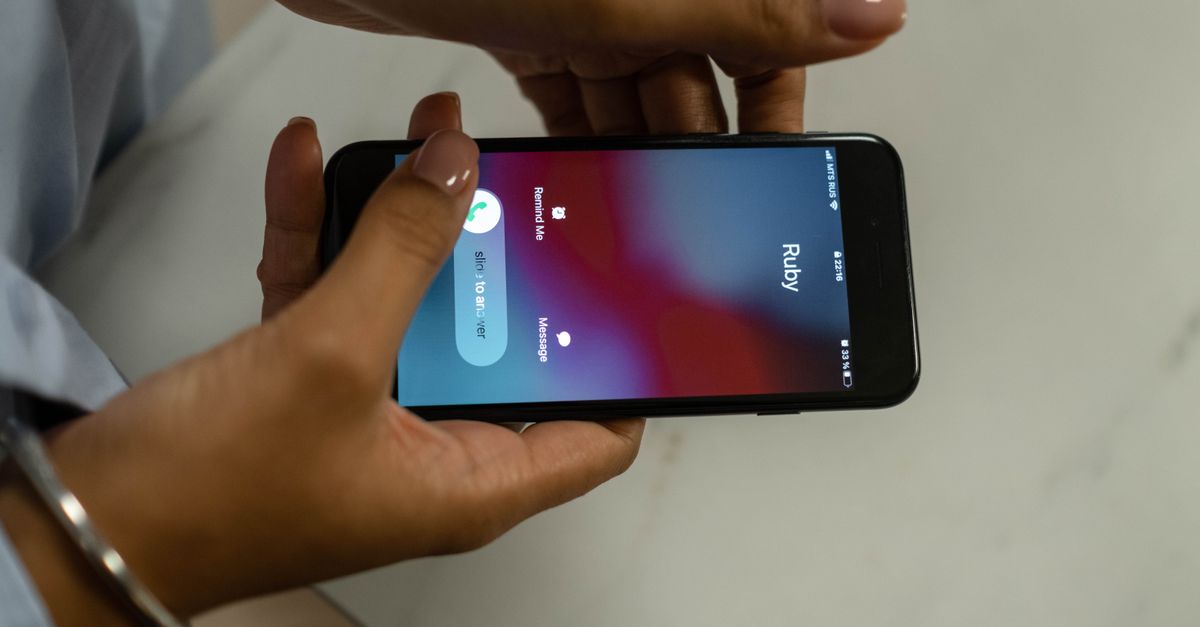
Where an AI receptionist answers incoming calls, an outbound agent makes calls on your behalf. You give it a purpose for each call — follow up on a quote, confirm tomorrow's appointment, re-engage an old lead — and it dials, speaks naturally, accomplishes the goal, and records what happened.
What you can automate
- Lead follow-up — call new inquiries within minutes while interest is hot, qualify them, and book a meeting.
- Appointment reminders — confirm upcoming appointments and offer an easy reschedule to cut no-shows.
- Re-engagement — reach back out to old leads and past customers to reopen the conversation.
- Quote follow-ups — chase pending estimates so deals don't stall, a big win for home-services businesses.
- Confirmations and updates — let customers know an order, booking, or job is ready.
Each call can book directly onto your calendar — see AI appointment booking.

Why it beats manual follow-up
Speed and consistency. The first business to follow up usually wins the lead, and an AI agent can call within minutes of an inquiry — any time of day. It never gets too busy, never forgets, and never dreads the call. It follows your script every time and hands you a clean record of who said what, so your team only steps in when there's a real, warm opportunity.

Doing it responsibly
Outbound calling works best when it's helpful, not spammy. Call people who expect to hear from you — leads who reached out, customers with upcoming appointments, past clients who opted in. Respect call hours and honor opt-outs. Used this way, outbound AI feels like great service: a timely, friendly reminder or a fast response to an inquiry.
Getting started
- Pick a use case — start with appointment reminders or new-lead follow-up.
- Set the call's purpose and script — what the agent should accomplish and say.
- Connect your calendar so it can book and confirm.
- Run a test call to yourself, listen, and refine before going live.
Frequently asked questions
Will the calls sound automated? No — the agent speaks naturally and adapts to the conversation, so a reminder or follow-up feels personal, not like a robocall.
Can it book a meeting during the call? Yes. It can check your calendar and schedule the appointment right then, just like it does on inbound calls.
How is this different from an AI receptionist? An AI receptionist answers calls; an outbound agent makes them. Together they cover both sides of every customer conversation.
The bottom line
Outbound AI calling turns follow-up from the task everyone skips into something that happens automatically, fast, and at scale — recovering leads and cutting no-shows. Start a free trial or see pricing.